One number. Your whole team.
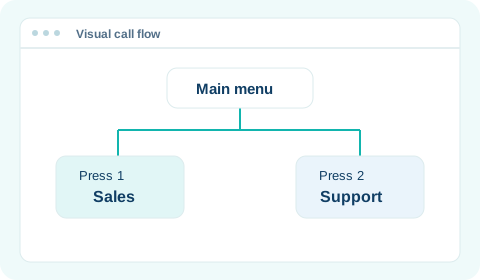
Connect customers to Sales, Support or Billing through one business number.

BUILT FOR BANGLADESH

Bring your team, business numbers and Bengali AI voice agents into one beautifully simple workspace.
No card requiredPay for calls as you go

Choose a new Bangladeshi number, or connect your own carrier's SIP trunk.
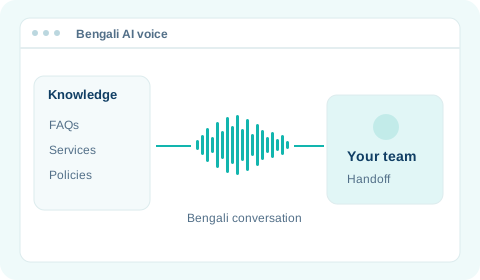
Bengali AI voice agents handle routine calls, so you can focus on what matters.
Collaborate, transfer and stay connected from any location.
WHY TALKIFY
Connect your people, support your customers, and keep conversations moving.
Connect customers to Sales, Support or Billing through one business number.
Answer common questions in Bengali, with a handoff when needed.

Keep office and remote teams connected in one calling workspace.

SIP
Voice connectivity
WebRTC
Browser calling
TLS + SRTP
Call encryption
Docker
Containerised cloud deployment
THE TALKIFY WORKSPACE
From your first business number to your next customer conversation.
Put your number and your team in one place.
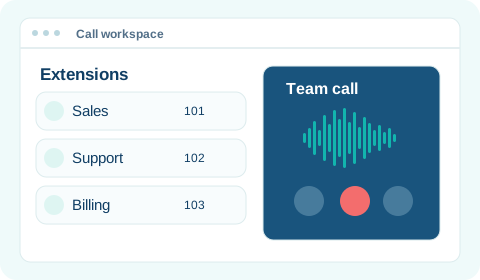
Bring extensions, queues and ring groups into one phone system.
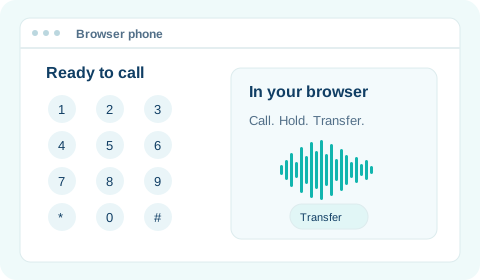
Make, receive and transfer business calls in your browser.
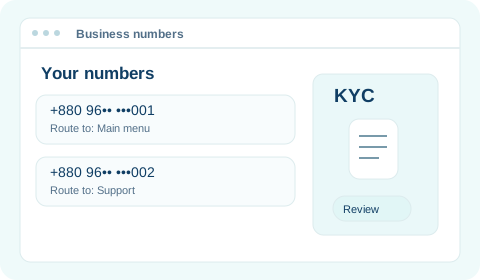
Choose a business number, submit KYC and manage its routing.
Give each caller a clear path to the right help.
Turn outreach and call activity into useful information.
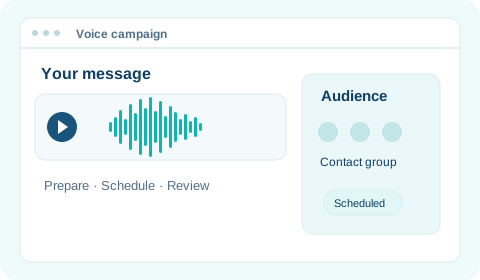
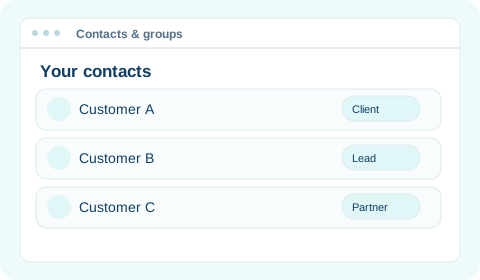
Send voice campaigns to contact groups and review delivery outcomes.
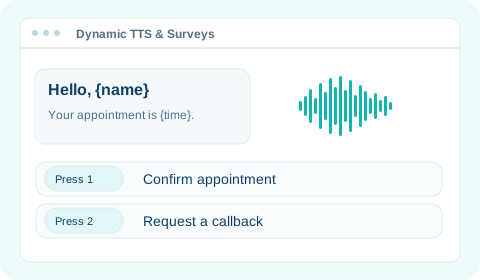
Personalize spoken messages and collect answers by keypad.
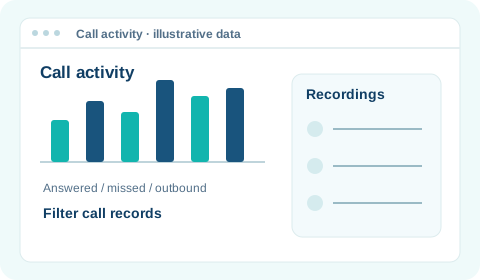
Review call activity, recordings and the details behind each call.
Explore connections, safeguards and branding options.
WHY SWITCH
Move PBX hosting out of your office. Keep your team connected in one workspace.


| Comparison | On-premise PBX | Talkify cloud |
|---|---|---|
| PBX hosting | On your premises | In the cloud |
| Server upkeep | Your team or IT provider | Hosting provider |
| Capacity planning | Local server resources | Your Talkify plan |
PBX hosting
Server upkeep
Capacity planning
Your office network stays. PBX hosting moves to the cloud. Features vary by plan.
HOW IT WORKS
A clear path from your workspace to your first customer call.

Create your account, choose a plan, and prepare your business number.
Number activation may require KYC review.

Add extensions, connect your devices, and decide where calls should go.

Check audio and call routing before opening the line to customers.
Want a guided walkthrough?
Explore the setup with our team.
SOLUTIONS
Choose a ready-made SaaS package or a dedicated cloud solution tailored to your business.
Choose a package with the features and capacity your team needs.

An unlimited platform offering with a custom package and development by Talkify, shaped around your business agreement.
Single-copy software license. Source code is not included.

Enterprise scope, development, support and maintenance are agreed in your business deal.
PRICING
Choose a SaaS package today. Build a custom Enterprise plan when you need more.
Showing monthly prices.

For broadcasting & survey calls
৳0/month
No subscription fee

For small calling teams
৳2,500/month
Billed monthly

For AI & customer outreach
৳5,000/month
Billed monthly

For advanced team workflows
৳10,000/month
Billed monthly
Extra agents on paid SaaS plans: ৳500/month each.
Compare all featuresNumber, calling and usage charges may apply. The annual saving applies to the base subscription. Enterprise scope and recurring fees are agreed in your proposal.
A LITTLE CLARITY
A few things to know before your first conversation.

Still have a question?
Talk to our teamA business phone system hosted in the cloud. Manage extensions, call routing and voicemail without hosting a PBX server in your office.
Explore Cloud PBXYour phone system runs in the cloud, while your team connects over the internet. Your office network and calling devices still matter, but the PBX server does not need to sit in your office.
See the comparisonTalk to our team before moving your number. We can review your current provider and connection options, or help you choose a Talkify number. Number availability, compatibility and KYC requirements need to be checked for your setup.
Discuss your numberTalkify offers a Free plan rather than a timed trial. It includes broadcasting, TTS and survey calls, but no extensions or softphone. The Interactive Calls API starts on Growth. You need a paid number and call credit to place calls. Paid SaaS packages add the phone-system features.
Compare plansEnterprise is deployed on a dedicated cloud VM, with an unlimited platform offering and a custom package. Talkify can develop custom features under your business agreement. You receive a single-copy software license; source code is not included. Development scope and commercial terms are agreed in your proposal.
See Enterprise detailsSaaS support depends on your selected package. Enterprise support and maintenance are arranged through MRC (monthly recurring charge) or AMC (annual maintenance contract), according to your deal. Scope, fees and service commitments are agreed with Talkify.
Discuss supportYes. With a plan that supports browser or SIP calling, team members can connect from different locations. They need suitable devices, a reliable internet connection and the correct account and calling setup.
Explore browser callingTalkify describes role-based permissions, two-factor authentication, activity logs and TLS/SRTP encryption as part of its security capabilities. Discuss your deployment and security requirements with our team to confirm the controls that apply.
Review security capabilitiesTalkify provides integration options, APIs and webhooks. The available connections depend on your plan and setup. Tell us which tools and workflows you use; custom Enterprise integration work can be scoped under your business agreement.
Explore integrationsYOUR NEXT CONVERSATION
Bring your team, business numbers and Bengali AI voice tools together. Choose a SaaS package or talk to us about Enterprise.
Need a dedicated cloud VM and custom development?
Get an Enterprise proposalEnterprise development, licensing and MRC / AMC are agreed in your proposal.