Industries
Different businesses.Better conversations.
See how a connected calling workspace can support the conversations that matter in your industry.

Financial Services
Connect the caller. Keep the right person involved.
Give general enquiries a clear route to the right branch or service team.
- Route enquiries by department or branch.
- Review call records with appropriate access.
- Scope any customer-system connection before launch.
Confirm identity checks, recording policy and data handling with your team. AI examples cover general enquiries, not account-changing actions.
Discuss this workflow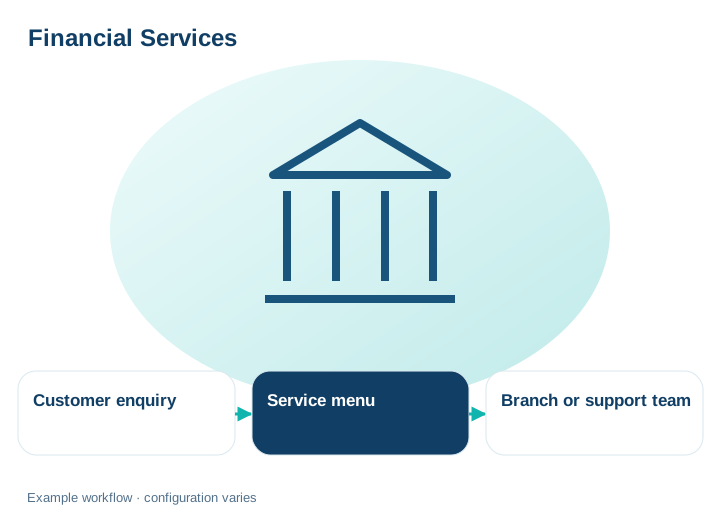
Healthcare
Make getting in touch a little easier.
Help callers reach reception, get general information and leave a clear follow-up request.
- Separate reception, billing and general enquiries.
- Plan reminders using approved contact lists.
- Keep after-hours instructions clear.
This example covers administrative communication, not clinical advice, emergency triage or guaranteed regulatory compliance.
Discuss this workflow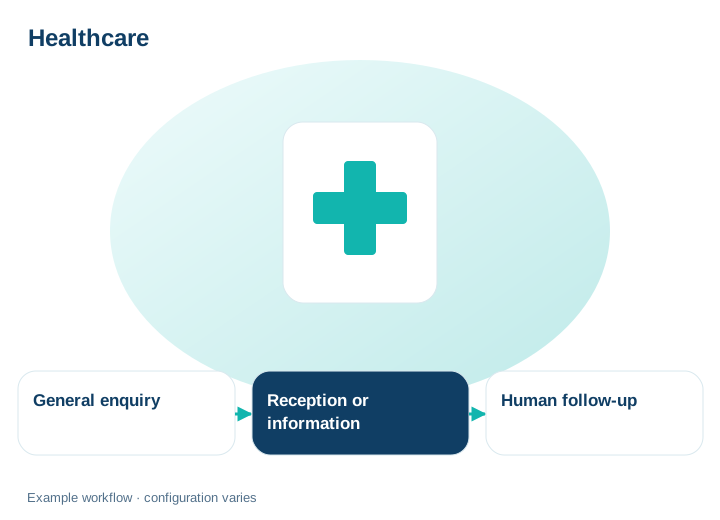
E-Commerce & Retail
From first question to the next purchase.
Bring product enquiries, customer support and planned updates into one calling workflow.
- Answer approved product FAQs with human handoff.
- Direct returns and support calls to your team.
- Collect simple keypad feedback after an interaction.
Live order lookups, updates and CRM sync require a confirmed integration. The illustration does not imply one is already connected.
Discuss this workflow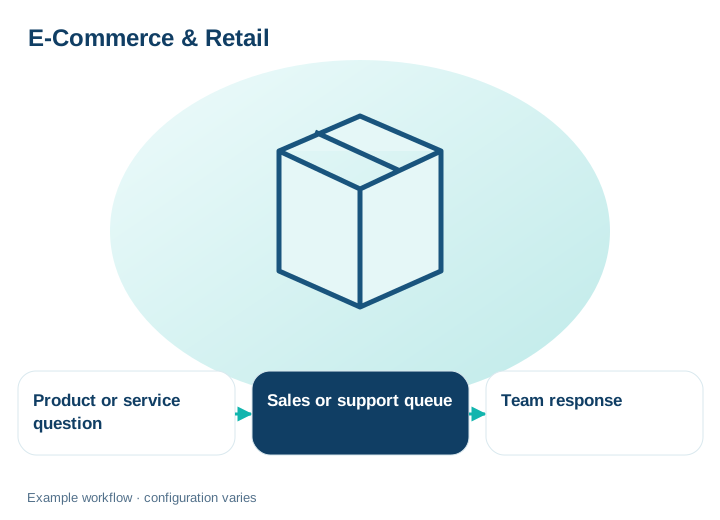
BPO & Call Centers
A clearer queue. A more connected team.
Organize incoming calls, outbound campaigns and call review around the way your team works.
- Set queues, transfers and agent destinations.
- Plan outreach around capacity and contact preferences.
- Inspect call activity and underlying records.
Review plan capacity and recording access. Do not assume automatic AI quality scores or compliance guarantees.
Discuss this workflow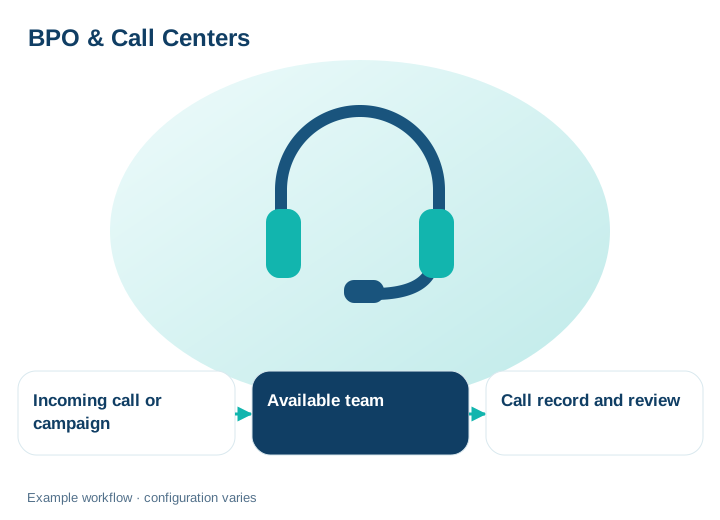
Real Estate
Keep the conversation close to the next step.
Help property enquiries reach an agent who can take the conversation forward.
- Organize contacts by project or enquiry type.
- Use approved property information for general answers.
- Plan updates to relevant contact groups.
Bookings and listing-system changes require a verified workflow. AI does not automatically reserve or schedule a property visit.
Discuss this workflow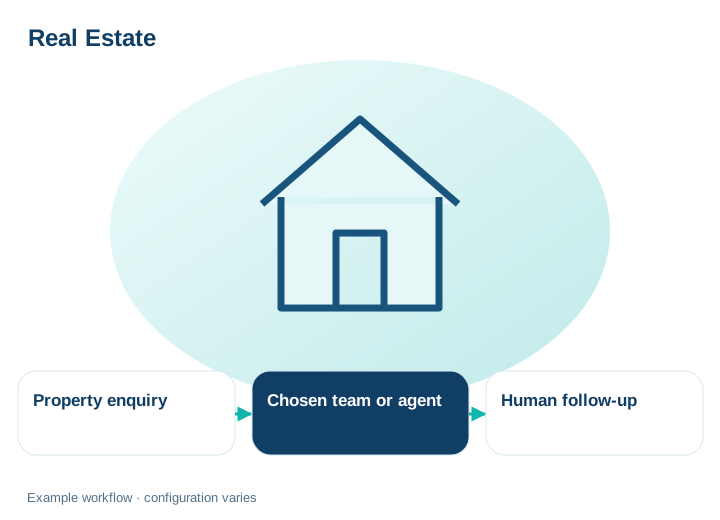
Multi-team organizations
Different departments. One connected workspace.
Bring office and remote teams into a shared calling structure with clear responsibilities.
- Map departmental destinations and call ownership.
- Connect supported devices across locations.
- Discuss dedicated cloud and custom workflows when needed.
Choose a package or custom Enterprise agreement. Feature access and integrations follow the selected setup.
Discuss this workflow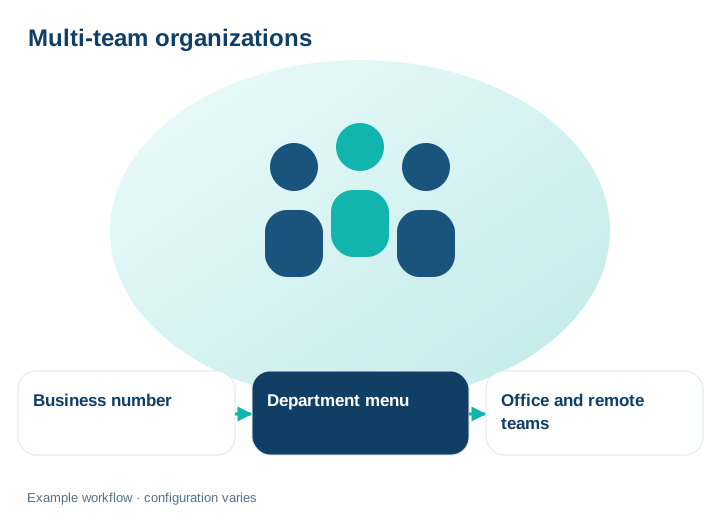
A little more clarity.
Are these ready-made integrations?
These examples show how Talkify tools can support a workflow. Confirm connectors, data access and any custom development before implementation.
Does choosing an industry change the deployment?
You can discuss a SaaS package or dedicated cloud Enterprise setup. Requirements and scope determine the appropriate solution.
Let’s shape your next step.
Find the package and workflow that fit your team.